
Put Casinok on an iPhone or Android Home Screen in Minutes
Casinok mobile access works through the secure browser interface: open the site, sign in and add a home-screen shortcut for app-style entry. The shortcut retains browser security and gives direct access to the lobby, promotions, Boss Club and GBP cashier without changing the account or creating a second profile. For the wider product picture, see the Casinok casino overview.

Updated
Choose the correct installation route for the device
| Device | Route | Action | Check before use |
|---|---|---|---|
| iPhone or iPad | Safari shortcut | Share, then Add to Home Screen | Confirm the secure domain and icon name |
| Android | Chrome shortcut or install prompt | Menu, then Add to Home screen | Review the domain before confirming |
| Other Android browser | Browser bookmark/shortcut | Use the browser’s page menu | Permissions remain limited to what is needed |
| APK prompt | Only from the authenticated Casinok page | Verify publisher and file origin first | Never install a file received by message or advert |
iPhone access without losing the cashier session
Open Casinok in Safari, sign in, tap the Share icon and select Add to Home Screen. Rename the shortcut only if necessary, then confirm. Launch it once and verify that the account balance, Promotions and Cashier sections load normally. Keep iOS and Safari updated, and do not store login credentials on a shared device.
- Open Casinok in SafariOpen the secure Casinok site in Safari and sign in.
- Choose Add to Home ScreenTap the Share icon and select Add to Home Screen.
- Confirm the shortcutRename the shortcut only if necessary, then confirm it.
- Launch the shortcutLaunch the home-screen shortcut once.
- Check account sectionsVerify that the account balance, Promotions and Cashier sections load normally.
Android shortcut and APK checks are not the same action
A browser shortcut simply opens the secure web interface. In Chrome, open the menu and choose Add to Home screen or the install option presented by the authenticated site. If Casinok presents an Android package, download it only from that verified session. Before opening an APK, compare the domain, publisher details, requested permissions and file source. Android may ask for temporary permission to install from the browser; disable that permission after installation.
No APK should be obtained from a forum, email attachment, social-media message or mirror page. If the file name, certificate or requested permissions do not match the official route, close the installation flow and use the browser shortcut.
Take Casinok with you
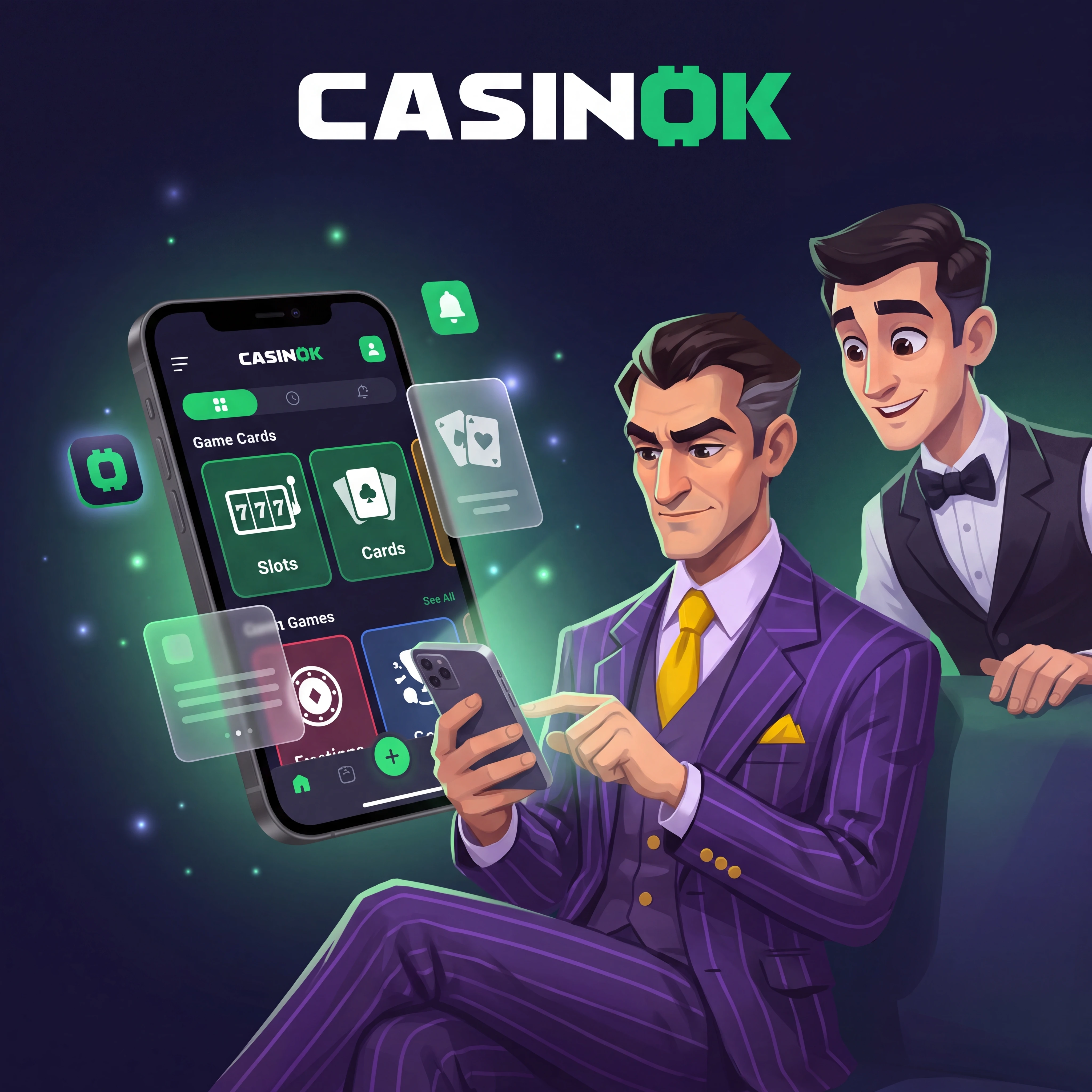
Play on mobile- Open the verified siteOpen the secure Casinok site in Chrome.
- Open the Chrome menuOpen Chrome's page menu.
- Choose the shortcut optionChoose Add to Home screen or the install option presented by the authenticated site.
- Review the domainReview the domain before confirming the shortcut.
Mobile play still depends on the game’s own configuration
The reported 7,000-plus lobby includes slots, live tables and instant games. Titles load into a responsive full-screen view. Use portrait mode for account and cashier work, then switch orientation when a game recommends landscape. Open the paytable before betting to inspect RTP, volatility, bet range and feature rules; Money Train 4, for example, has configurable RTP and very high volatility. For promotional play on mobile slots, review the Casinok bonus rules on eligible games and wagering.
GBP payments from a phone need a clean hand-off
Cards and wallets may open bank authentication or an external payment window. Do not refresh while authorisation is in progress. Return to Casinok through the same browser tab and confirm the transaction status in the cashier history. For crypto, copy both the coin and network exactly; BTC and USDT are not interchangeable, and USDT networks must match on both sides.
A mobile security routine worth keeping
- Use a unique account password and device lock.
- Install operating-system and browser updates.
- Avoid public Wi-Fi for deposits, document uploads and withdrawals.
- Check the domain before entering credentials.
- Sign out after using a borrowed or shared device.
- Review active account sessions and contact support after an unfamiliar login.
Fix the mobile problem by its visible symptom
| Problem | First check | Corrective action |
|---|---|---|
| White game screen | Connection and content blocker | Reload once, disable the conflicting filter and reopen the game |
| Repeated login | Stale cookies or incorrect password | Clear site data and use password recovery |
| Payment window closes | Bank hand-off or pop-up control | Allow the payment window and retry once |
| Shortcut opens wrong page | Saved redirect | Delete it and create a fresh shortcut from the secure homepage |
| APK will not install | Android permission or file integrity | Verify the official source and temporary install permission |
| Game sound missing | Silent mode or in-game setting | Check device audio and the game’s control panel |
For problems that start with a new account or first deposit, the Casinok registration guide covers account confirmation and the cashier sequence.
FAQ
How is Casinok added to an iPhone home screen?
Open the secure site in Safari, tap Share, choose Add to Home Screen and confirm the shortcut.
How is Casinok added on Android?
Open the site in Chrome, use the menu and select Add to Home screen or the authenticated install prompt.
Where should a Casinok APK be downloaded?
Only through the verified Casinok session. Check the domain, publisher and permissions, and never use an attachment or mirror source.
Can the GBP cashier be used from a phone?
Yes. Select the method, inspect its live GBP limits and complete any bank or wallet authentication without closing the original tab.
Why does a mobile game stop at a blank screen?
Common causes are unstable connectivity, stale browser data or a content filter. Refresh the session and reopen the title from the lobby.
Does a home-screen shortcut create another account?
No. It opens the same Casinok account and balance through a faster browser entry point.
What should happen after a mobile crypto transfer?
Return to cashier history and monitor the transaction status while the selected network produces the required confirmations.